

What does each product license status in the Base extension mean?
Introduction
We've introduced a license verification feature in the Base module. Clients are required to verify their products by inserting and verifying a key generated in their account. Each product assigned to this key will then receive a specific status. This article explains each status in detail.
How to check the product license status?
1. Go to the Base module. You can find this feature under: Amasty Extensions → Products.

2. Select your instance type (production/live or non-production/stage/development) from the Production Environment dropdown.
3. Enter your Instance Registration Key generated in your account. Click on Save and Verify.

4. Check the product statuses.
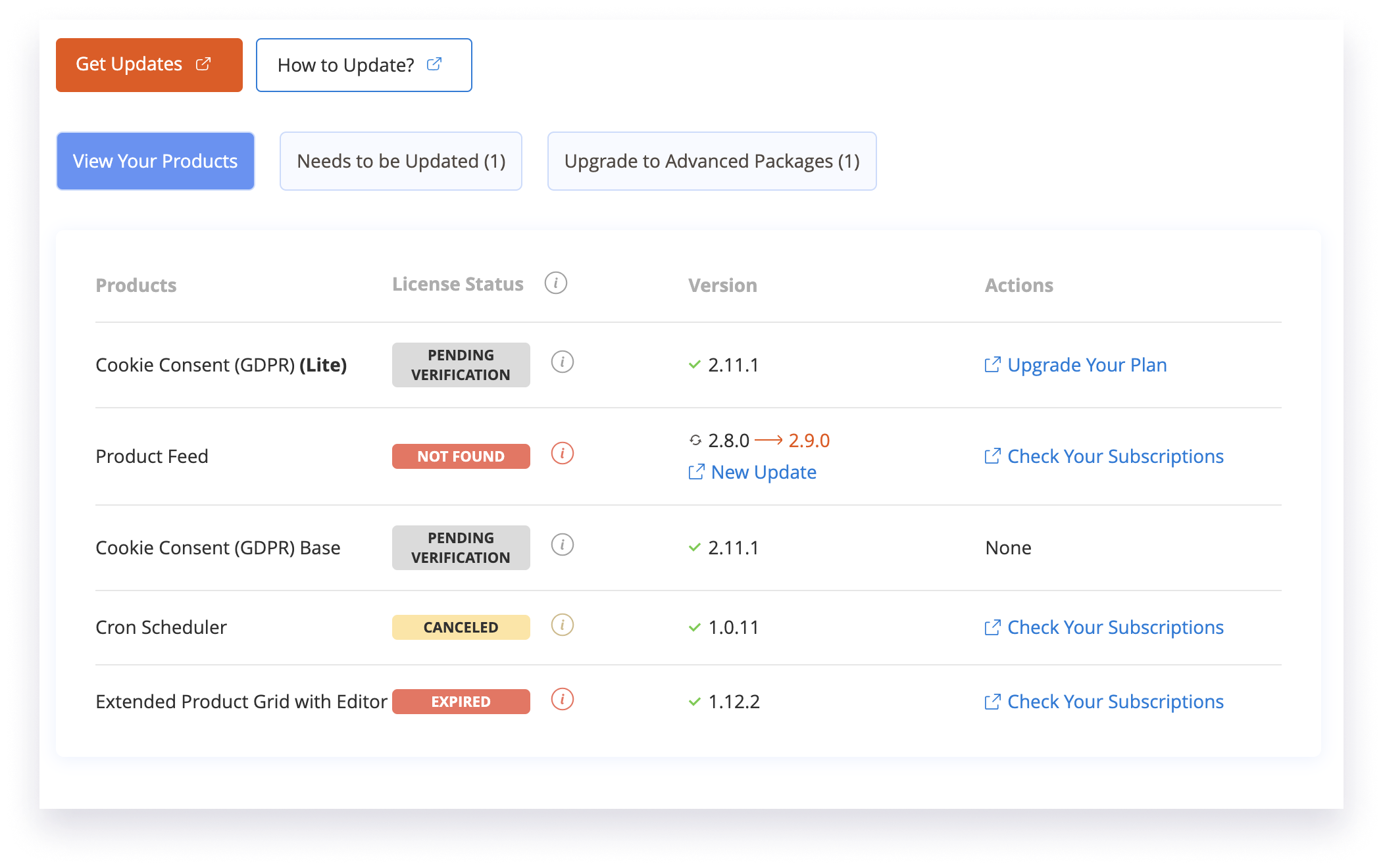
Note: Some Amasty extensions have missing or invalid licenses. Please check the details in the License Status column below.
Understanding the Meaning of Product License Statuses
Status | Description | Details |
ACTIVE | Your product has a valid license. | You have access to all product updates. Ideally, all your products should have an ACTIVE status. |
NOT FOUND | Product license not found. | The product isn't found in your account based on the provided key. Check your account; the product might have been refunded or not linked to the key. Go to the Subscriptions tab in your account for further actions. |
EXPIRED | Product license has expired. | The product had a license, but it has expired. Renew the license to regain access to updates. Go to the Subscriptions tab in your account for further actions. |
LIMITED | Access to updates is limited. | The product doesn't have an active subscription but has access to maintenance updates Purchase a subscription to get new features. Go to the Subscriptions tab in your account for further actions. |
CANCELED | Product subscription is canceled. | The subscription is still active but canceled. You have access to updates until the paid period ends. After that, you will lose access. Go to the Subscriptions tab in your account for further actions. |
PENDING VERIFICATION | Product needs verification. | This is the default status indicating that the product needs verification. |
INVALID EDITION | The edition of your product is invalid. | The installed product edition does not match the edition of your Magento installation, which violates the terms of our License Agreement.
Next Steps: • Verify Edition Compatibility: Please ensure that the product edition matches the edition of your Magento instance. If there is a mismatch, you will need to switch to the correct edition of the product. • If the edition of the product does not correspond to the edition of your Magento instance, you can either: – Change the product edition to match the Magento edition, or – Contact our Support Team for further assistance.
|

Loading
Login and Registration Form