





You can install extensions and updates via Composer
See Magento (and other software) versions we support and guarantee their compatibility with our extensions

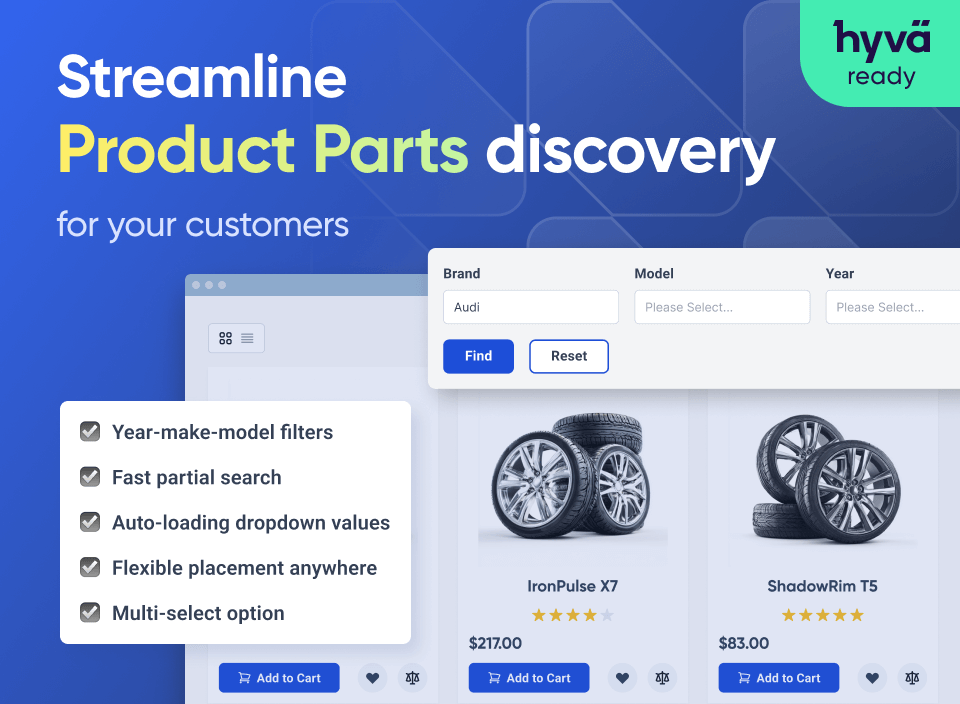
Equip your store with an advanced search option. Let customers easily find necessary repair parts and components by placing Magento 2 year-make-model and other extension filters on your website.

🏹 Market Challenge
Customers expect a quick and intuitive way to find the right products among thousands of options. For stores selling accessories or car parts, it’s essential to let shoppers filter items by key parameters such as vehicle type, model, manufacturer, or year to simplify navigation and boost conversions.
🎯 Our Solution
The Magento 2 Product Parts Finder extension lets you create powerful, user-friendly product finders on home and category pages. Offer unlimited filters organized in convenient dropdowns, import filter data via CSV, and easily adjust the design to match your store’s look and feel.
Enhance customer experience with multilevel filters for faster and more precise search
Boost store performance through optimized data storage and faster search results
Simplify data management with convenient CSV import and flexible configuration options
Fine-tune the display of the product finder according to your industry needs - either use one of the predefined Magento 2 product selector templates or generate your own one. It's also possible to use both vertical and horizontal templates at the same time and show them in different locations.
With the Part Finder Magento 2 extension, you can display product filter blocks on the store home page. Thus, customers can start searching for the necessary items right from the landing page without wasting time on exploring website categories.
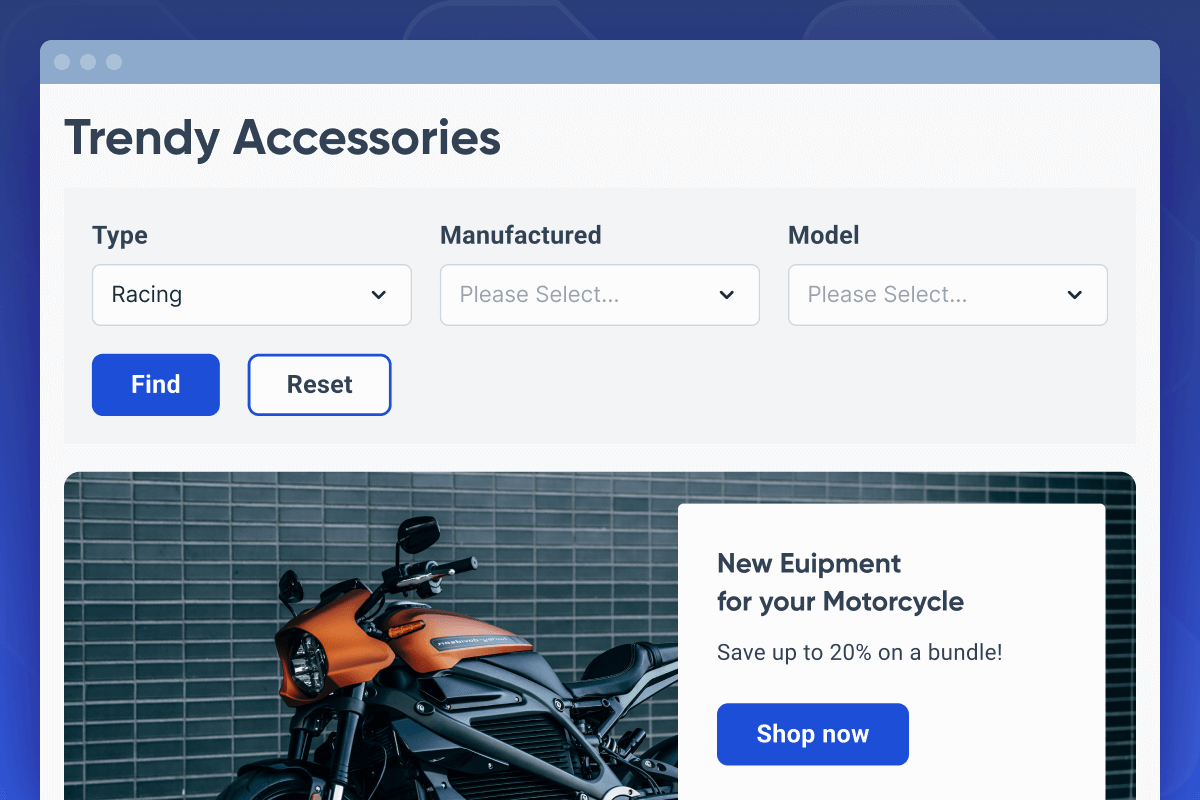
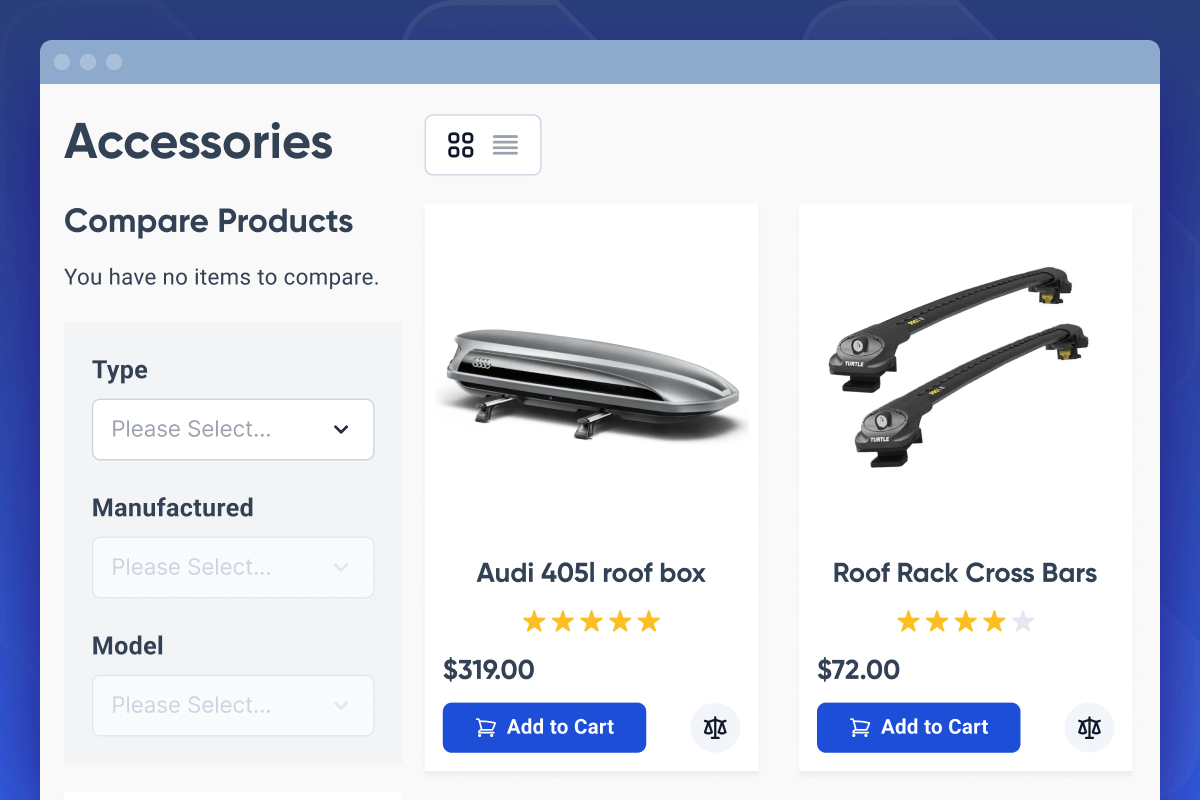
The Magento 2 Product Parts Finder module lets you easily display autofinders on any category page with just one click.You can choose multiple categories and define where the finder appears - in the sidebar or main content area.
Each finder can have unique filter conditions applied only to the selected category, ensuring relevant and precise product results for every section of your store.
Make your parts finder more vivid and engaging for shoppers. Arrange finder options the way you need, choosing:
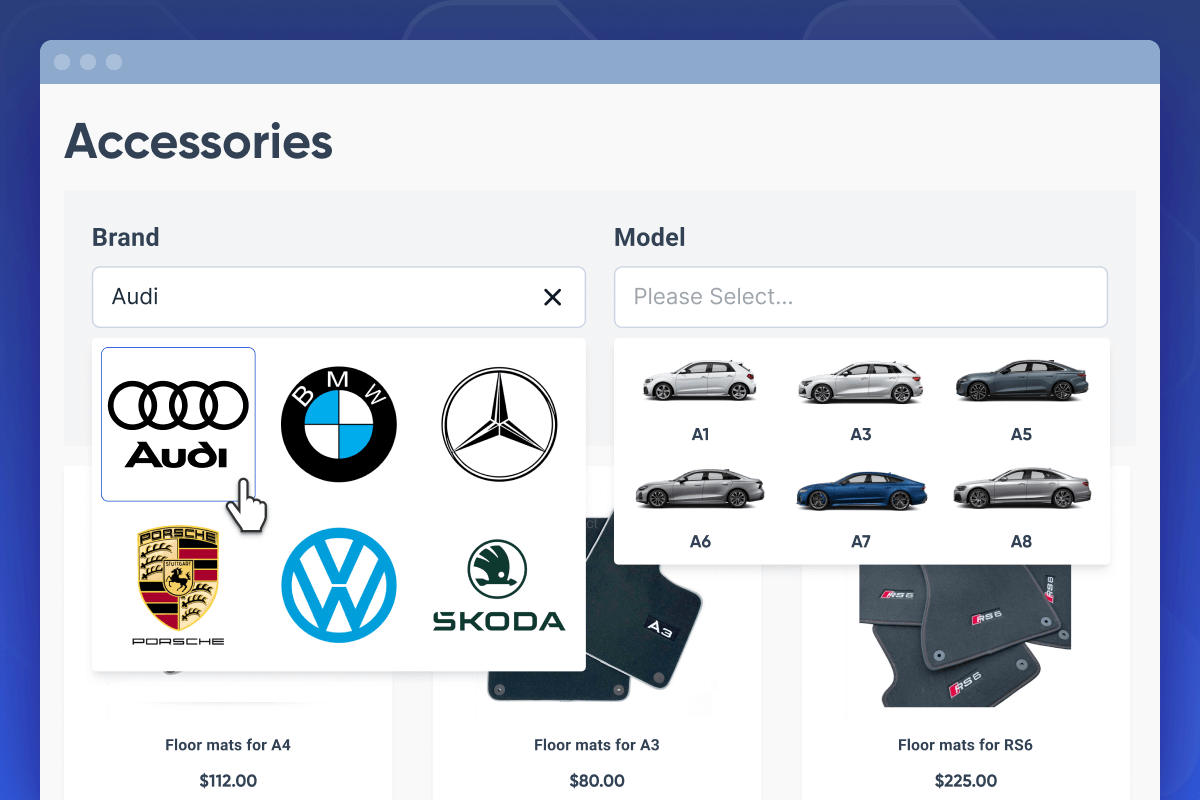
Handle extensive product catalogs with confidence. The Magento 2 Product Parts Finder ensures fast, stable performance for 10,000+ items, powered by AJAX-based option loading and optimized data storage in separate tables for maximum efficiency.
Magento 2 Product Parts Finder allows customers to start searching by selecting just one filter value — for example, a specific part in an automotive store. This means users don’t need to fill in all available options to get relevant results.
Allow customers to save search results to their bookmarks. Users will not have to waste time trying to relocate pages with previously selected products. Additionally, shoppers will be able to easily share these custom search result links with others.
After finding a desired product with the Magento 2 Finder by Amasty, customers can also view other compatible items related to the selected product, helping them discover suitable alternatives or complementary parts with ease.
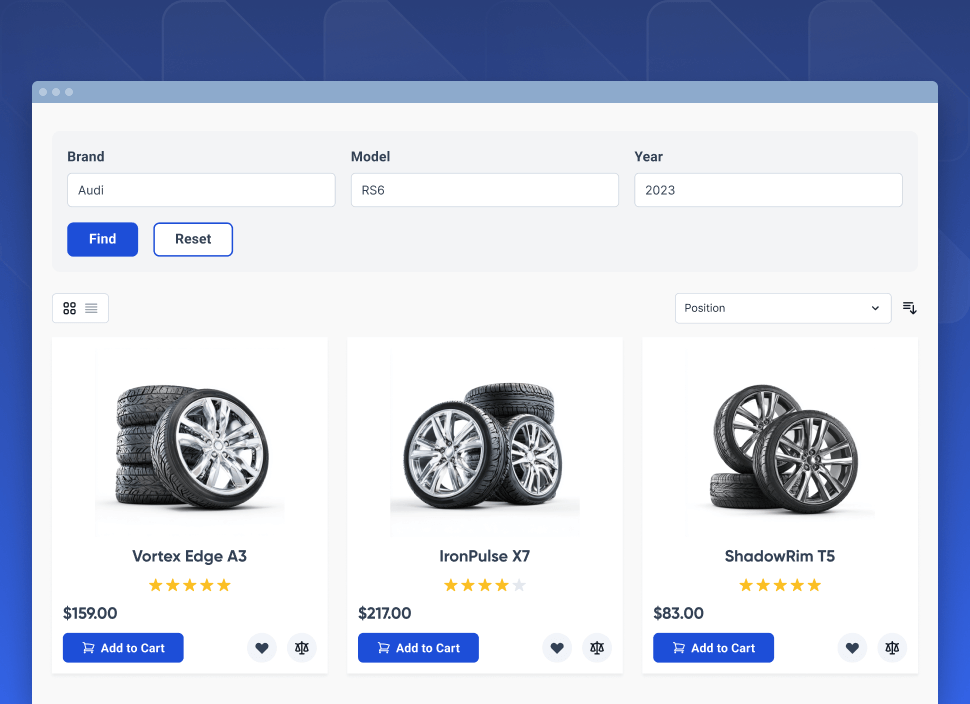
All filter values specified by customers will be immediately saved. This handy option allows online shoppers to browse through other store pages and then come back to the product filter page without losing previously saved filter conditions.
Manage all existing cron tasks on a Cron Tasks List grid from the admin panel. Run cron tasks and generate their schedule by clicking the ‘Run Cron’ button. Delete tasks in bulk, use filtering and sorting options when it is needed.
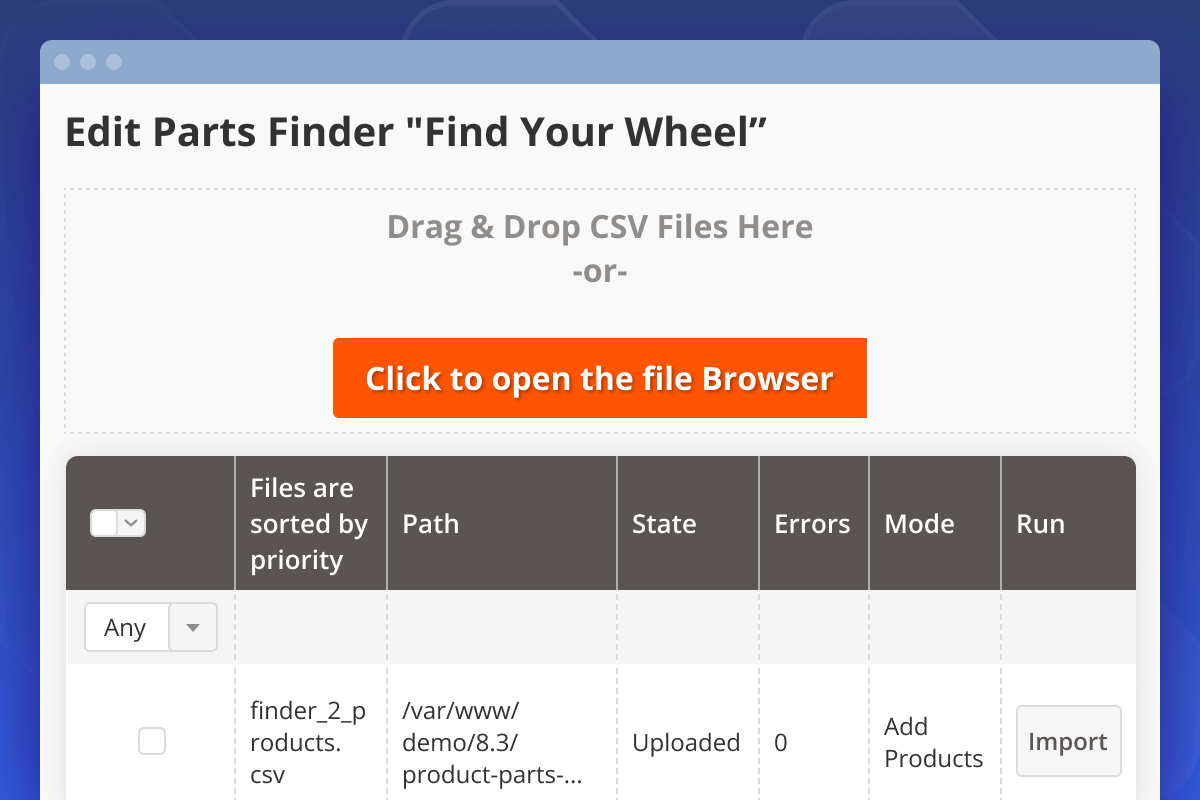
Easily import files using a convenient drag-and-drop interface or upload them via FTP. Once uploaded, all imported files can be reviewed in the Import History tab for quick verification.
Speed up the finder configuration process by importing selection option values in CSV format and assigning them to corresponding products. Review the imported data to ensure everything is accurate and up to date.
If you need to delete or add a few records to a product finder, there is no need to replace the entire existing list with a new one. You can simply remove products using a mass action and then manually add new products and their options in the admin panel.
Simplify data import by setting ranges for numeric options. For instance, if you need to specify years 2014-2025, the extension will show products for all years from the specified interval. It allows you to create just one line in CSV file instead of 11.
NOTE: You may also automatically upload images using import options. You won’t have to assign each image to an option manually - the Magento 2 product selector identifies the necessary values in a CSV file. Just match option names with the image names and add media content to filters in a few minutes.
When there is only one result available, you can redirect customers right to the product page they are looking for.
If the specified condition in the first dropdown has a single value, the next filter dropdowns will be loaded automatically and customers will be directed to the search results.
If you place several finders on one page, the extension will apply only one finder at a time and automatically clear already specified conditions for other finders.
With the Magento 2 Prodoct Parts Finder extension, you can use alphabetic order for text values and numeric order for numeric values.

Add any specific column you need and modify product information right on the grid. Create grid templates with custom column sets to make product data processing as quick as possible using the Extended Product Grid with Editor.
To retain a visitor on the pages of your online store there is a whole list of methods for website optimization, one of which is a clear, conveniently located search for products in the online store. Magento 2 product search is an important feature for your store. By implementing this function you give your visitors an opportunity to find products they need faster and convert into customers.
The Magento 2 Parts Finder extension is a must for vehicle businesses because it allows customers to accurately find compatible parts by filtering based on vehicle model, year, etc. This reduces search time and minimizes the risk of purchasing incompatible parts, leading to fewer returns.










Amasty answer
Amasty answer
Amasty answer
Amasty answer
Amasty answer
Amasty answer
Amasty answer
Drop us a line and we'll customize this extension for you!
You can install extensions and updates via Composer
See Magento (and other software) versions we support and guarantee their compatibility with our extensions

Login and Registration Form